Creating an App
You can create one or more apps in the partner portal. You need to configure mainly the below for your app(s):
- General info
- Setup
- Listing
General#
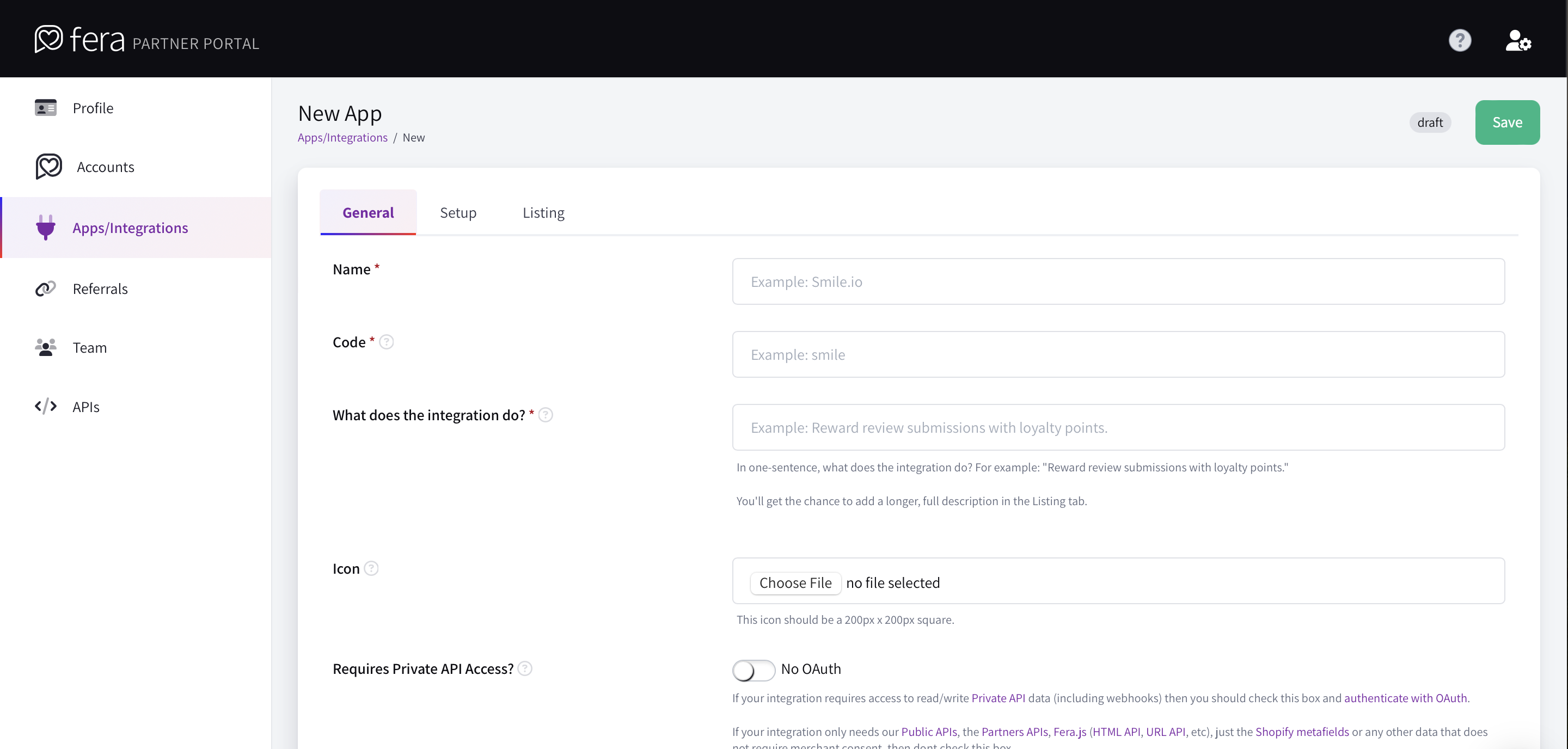
Under the General tab, you mainly need to fill in the app name, code and description along with other configurations like Testing Instructions:
Setup#
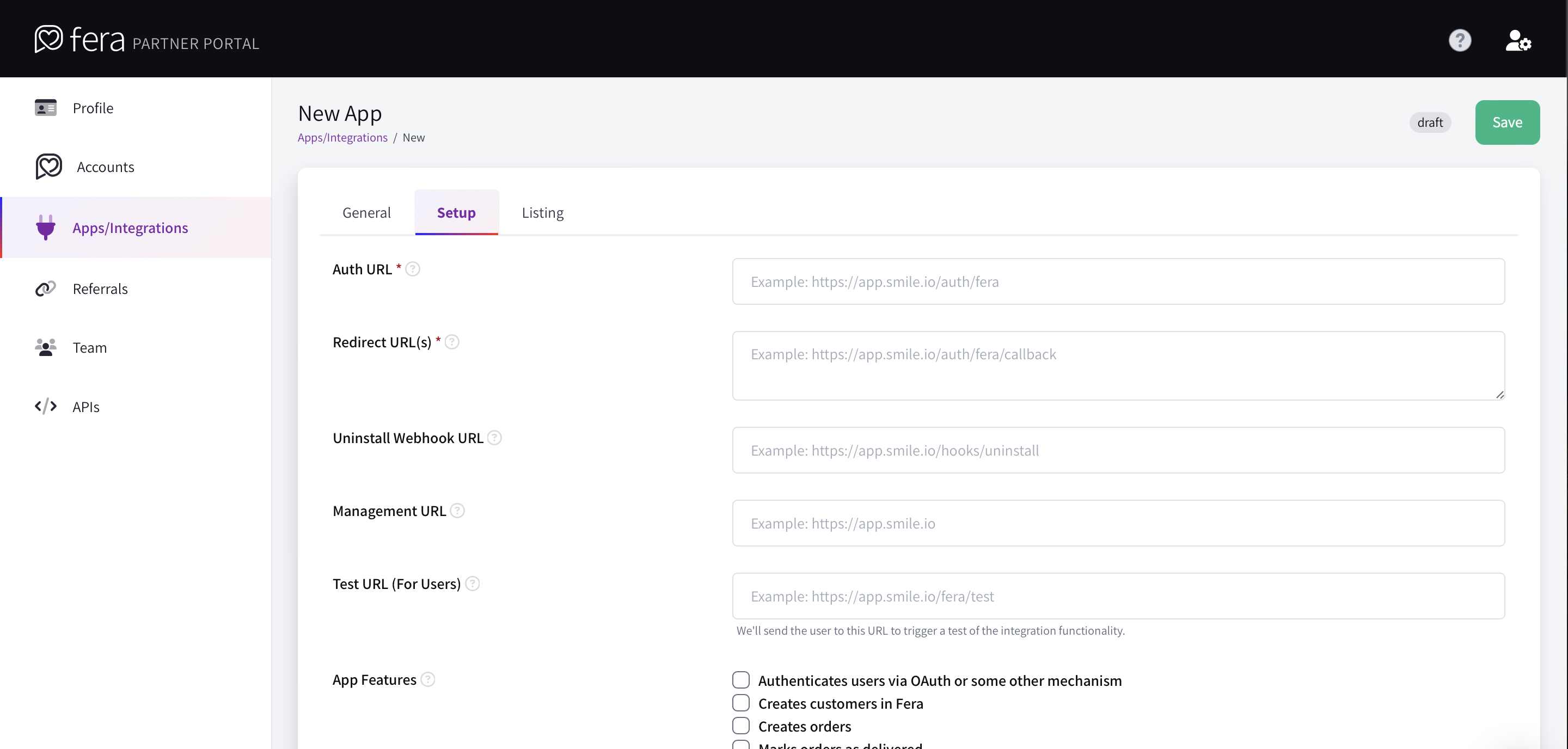
In this section you'll setup OAuth connection info, if applicable.
Listing#
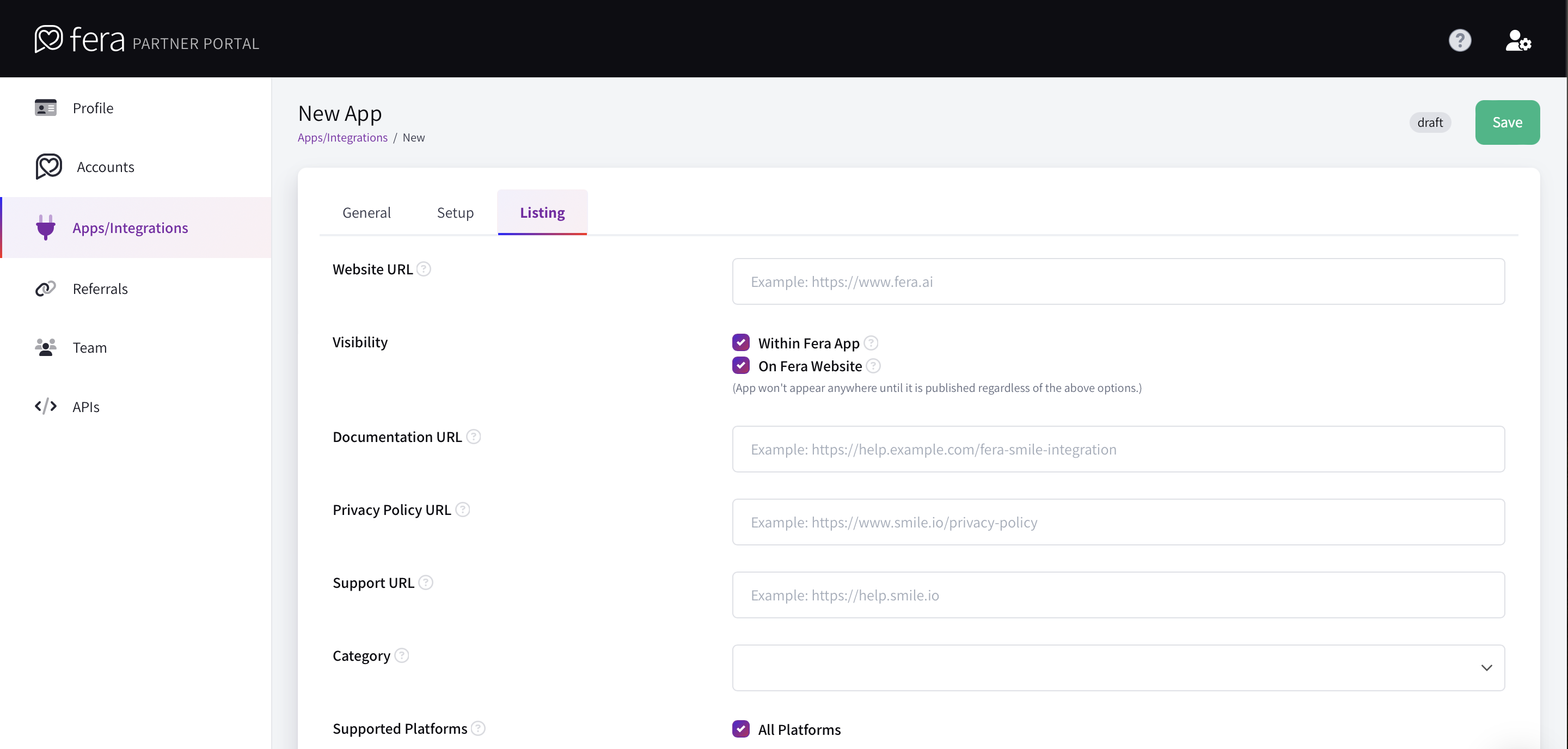
You can set the app's website and its other supporting resources: