# Widgets API

> Fera.js lets you create custom widgets.

The HTML Widgets API allows you to show certain widgets on the page efficiently without configuring them in Fera.

> **Warning:** Usually the best thing to do is configure widgets from the [Fera Widgets interface](https://help.fera.ai/en/collections/3433299-getting-started#adding-widgets).

## Product Rating Widget
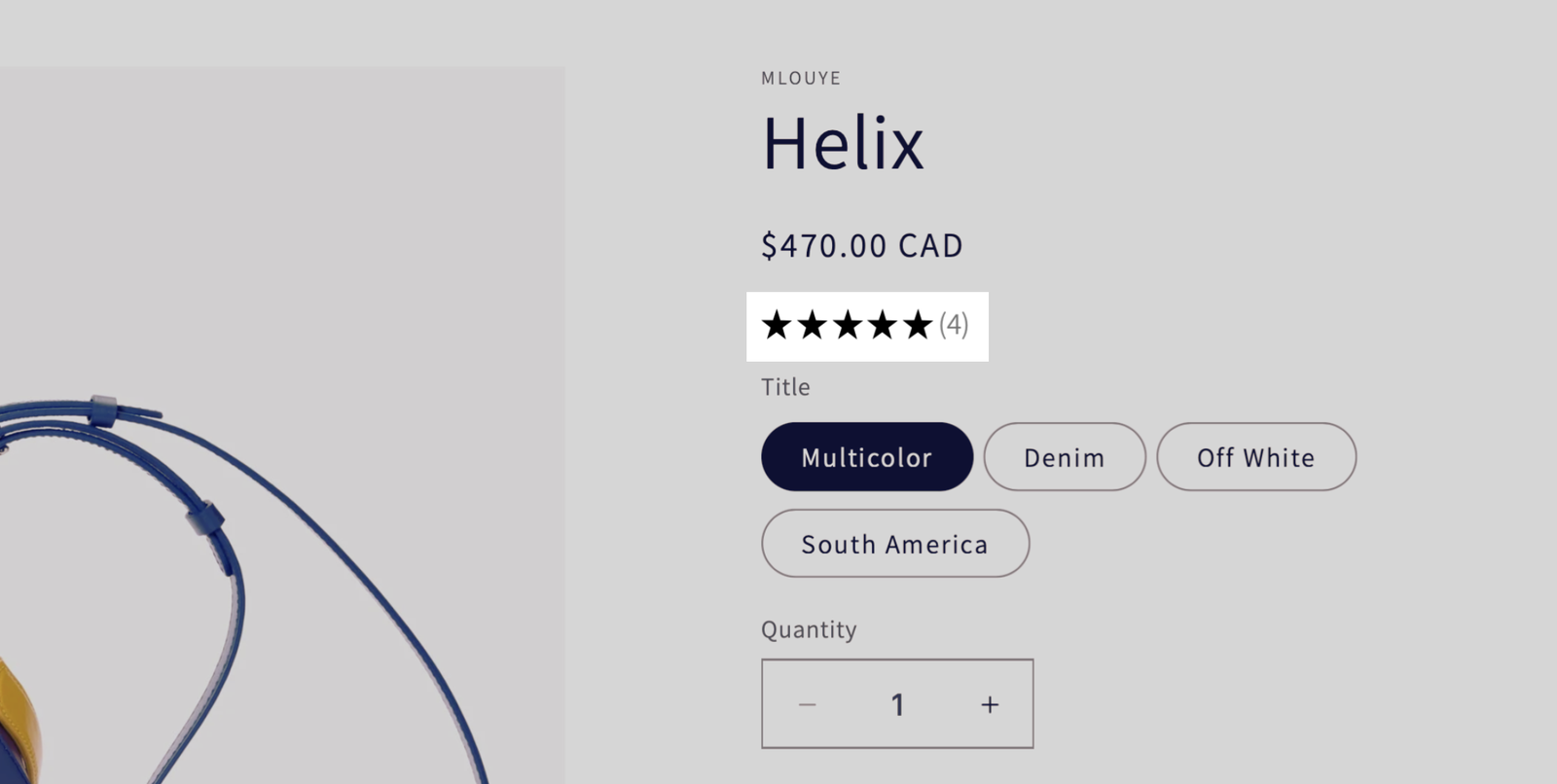
![Product rating widget showing stars and review count on a product page](https://developers.fera.ai/images/widgets-4004237-developer_10.png)

```html
<div data-fera-container="product_reviews_summary" data-product-id="{{ product.id }}"></div>
```

> **Tip:** Same code works in collection pages
>
> You can also use the same snippet to display ratings in your collection page product items like this:
>
> ![Product rating widget on collection page product items](https://developers.fera.ai/images/widgets-41e71d0-developer_11.png)

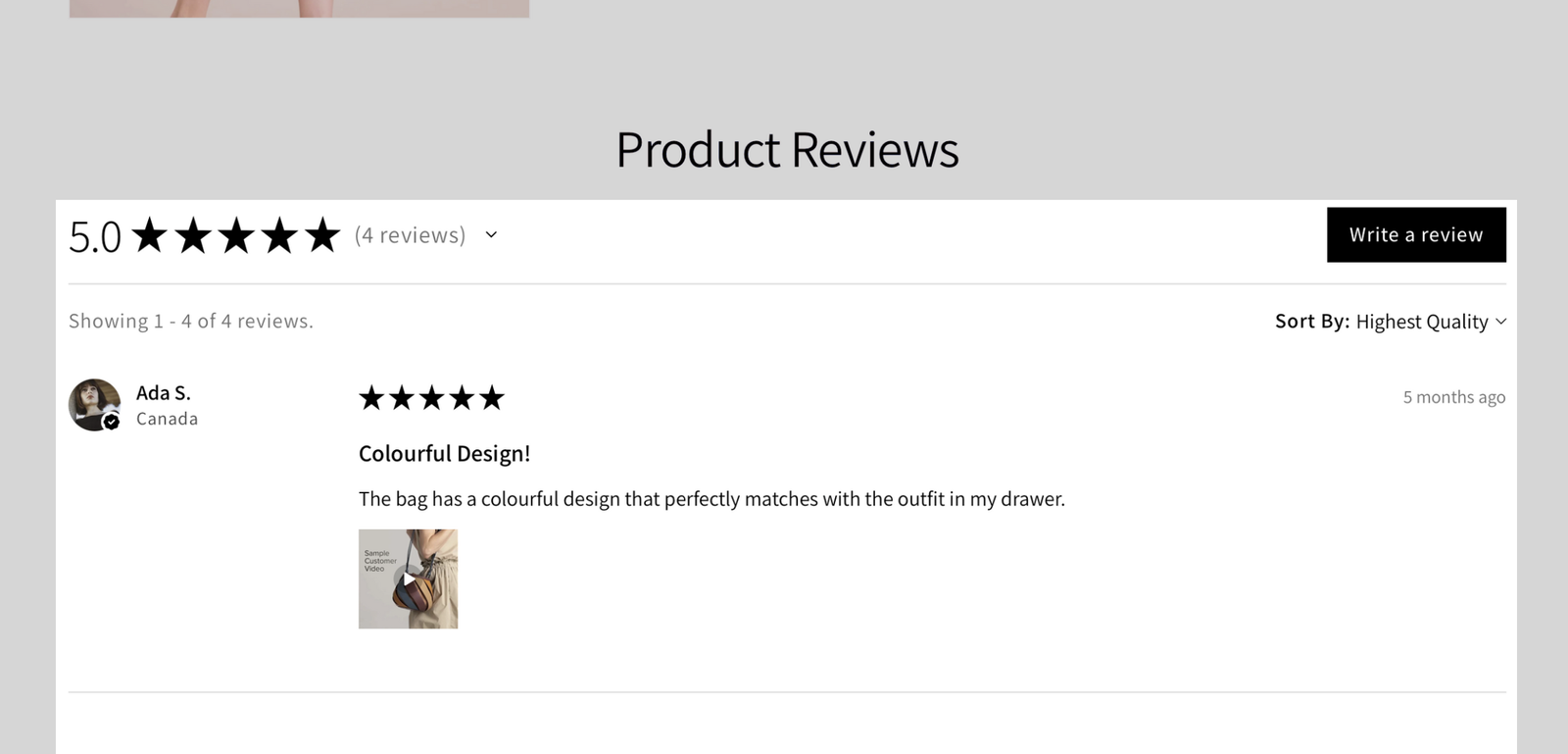
## Product Reviews List Widget

![Product reviews list widget on a product page](https://developers.fera.ai/images/widgets-1609f8f-developer_13.png)

```html
<div data-fera-container="product_reviews" data-product-id="{{ product.id }}"></div>
```

## All Reviews List Widget

![All reviews list widget showing reviews for the whole store](https://developers.fera.ai/images/widgets-6d9c409-develop_14.png)

```html
<div data-fera-container="all_reviews"></div>
```

## Media Gallery Widget

![Media gallery widget showing customer photos and videos](https://developers.fera.ai/images/widgets-55c503d-developer_14.png)

```html
<div data-fera-container="store_customer_media"></div>
```

Source: https://developers.fera.ai/widgets